



Aiarty Image Enhancer Update: TIFF/DNG Export, Color Restoration & AI Eraser (Holiday Deal Ending)
Aiarty has released a practical update to its Image Enhancer, adding TIFF/DNG export, a slider-based color restoration tool, and a new AI Eraser (beta), with more updates coming.
By processing images fully offline, it offers a privacy-conscious option for photographers who want to denoise, deblur, or upscale images without relying on cloud-based subscriptions.
Free Upgrade & Licensing (Holiday Offer): Existing license holders get these updates for free. New users can take advantage of the holiday promotion until Jan. 31
• Lifetime License: $79 (one-time)
• Covers 3 devices and all future updates
• Extra $5 off with coupon NYSPECIAL
• Learn more and view the holiday offer here >
Professional Perspective – Photography & Workflow Insights
Photographer Bill Maynard has been testing Aiarty for noise reduction and deblurring:
“As a wildlife photographer, I rely on tools that enhance my images while staying true to the natural beauty of my subjects. Aiarty Image Enhancer excels in this regard.”
For large-resolution files, he suggests setting Max Tile Size to Auto for best results. See more of his test.
What’s New in the Update
1. TIFF & DNG Export for Pro Workflows
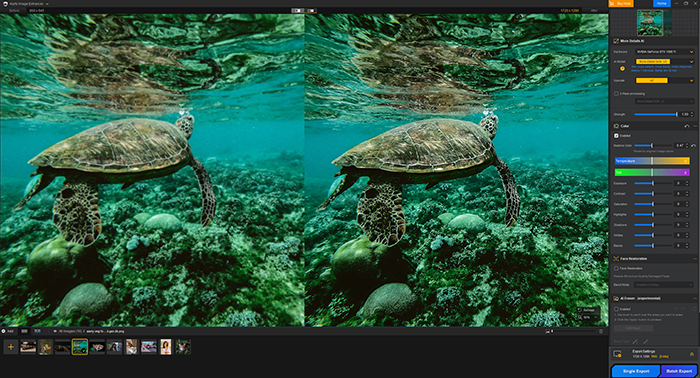
You can now export enhanced images as TIFF or DNG, preserving higher bit depth and improving compatibility with Lightroom, Photoshop, and Capture One.
Explicit DPI options let you optimize images for web, standard print, or fine-art/large format printing (72–96 / 150–300 / 500+ DPI).

2. Improved Color Restoration
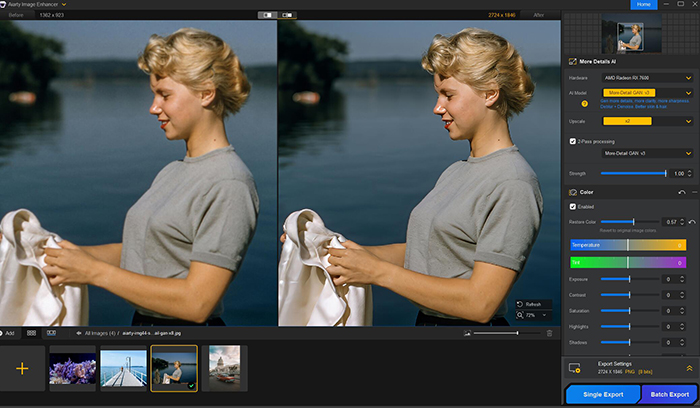
Alongside quick color correction panels, Aiarty now includes a slider-based color restoration control. This allows users to dial enhancements back toward the original color profile, helping maintain natural skin tones, foliage, and skies.

3. AI Eraser (Beta)
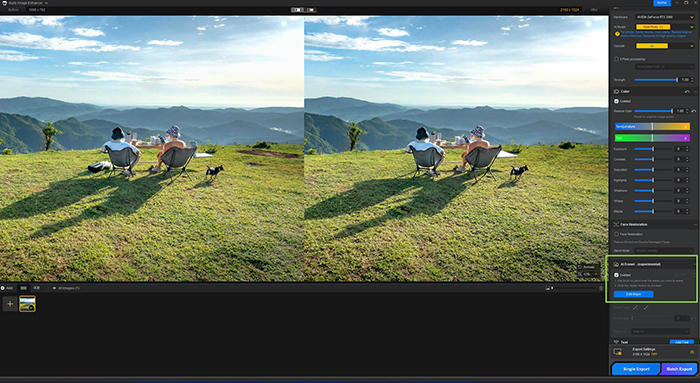
The AI Eraser in Aiarty Image Enhancer is designed for removing unwanted objects and reconstructing backgrounds. AI models are downloaded locally on first use, after which processing is fast and fully offline. As this feature is still in beta, results may vary depending on scene complexity. View the practice guide.



Why This Update Matters in Practice
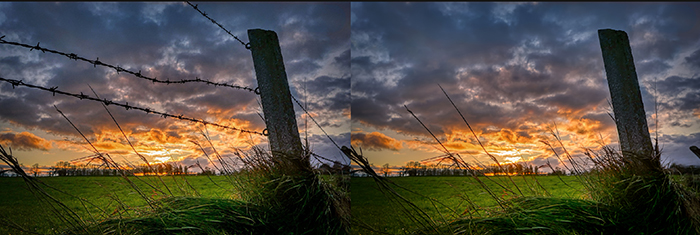
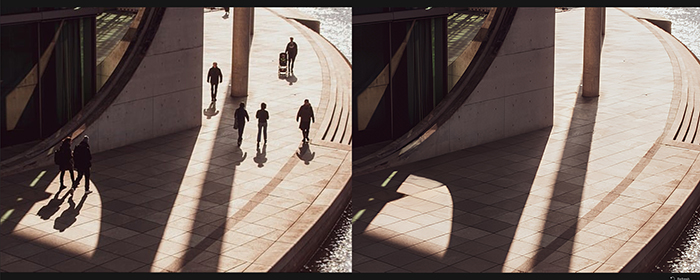
Depending on your workflow, Aiarty Image Enhancer can be used early to clean up challenging files or later as a finishing step for delivery or print. It’s especially useful for:
• High-ISO or low-light images where reducing noise risks losing detail
• Older, scanned, AI-generated, or low-resolution files needing natural-looking upscaling
• Heavy crops for print, where artifacts become more visible

A Practical, Offline Tool (No Subscription)
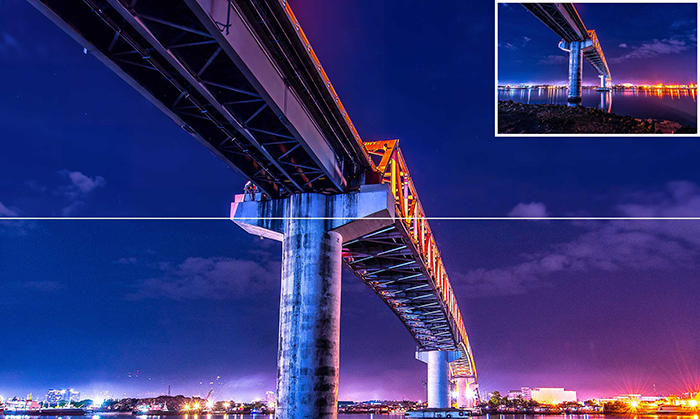
Aiarty Image Enhancer focuses on restoring and enhancing images naturally, without locking users into a monthly subscription:
• Preserve Detail: Denoise and deblur while keeping textures sharp.
• Natural Upscaling: Upscale older files or heavy crops without an artificial look.
• Strength Control to balance enhancement and authenticity
• Realistic Color: Avoid the oversaturated or “AI-styled” appearance.
• Total Privacy: All processing happens on your device—no uploads required.
Download the Free Trial or Get the Lifetime Deal (Ends Jan 31)